


Scrolling Through Pinterest Aimlessly
Trying to grow on Pinterest without the right keywords is like trying to cook a five-star meal with no recipe.

You’re just guessing… throwing stuff in… hoping something works. 😬
You’ve probably asked yourself questions like:
- What should I be posting on Pinterest?
- How do I even know how to post on Pinterest?
- How do I know what people are actually searching for?
- Where are these “Pinterest keywords” people keep talking about?
- Is there a Pinterest keyword tool that would make this easier?
I know I sure did. I remember opening Pinterest, typing random things into the search bar, and scrolling aimlessly trying to “guess” what was working.
Pinterest keyword research used to take me forever. I’d type things into the search bar, scroll around, second-guess myself, and still wonder whether I was choosing the right words.
Most of the “tips” out there weren’t cutting it… until I found this tool…
What Do I Have to Lose?
At one point, I was so frustrated every time I would search Pinterest… trying to figure out which Pinterest keywords actually made sense for my content, I almost gave up altogether. I had the vision. I had the content. But finding the right keywords? Total struggle bus. 🚌💨
Then someone introduced me to a tool made specifically for Pinterest… not Google, not Instagram… Pinterest. 🎯
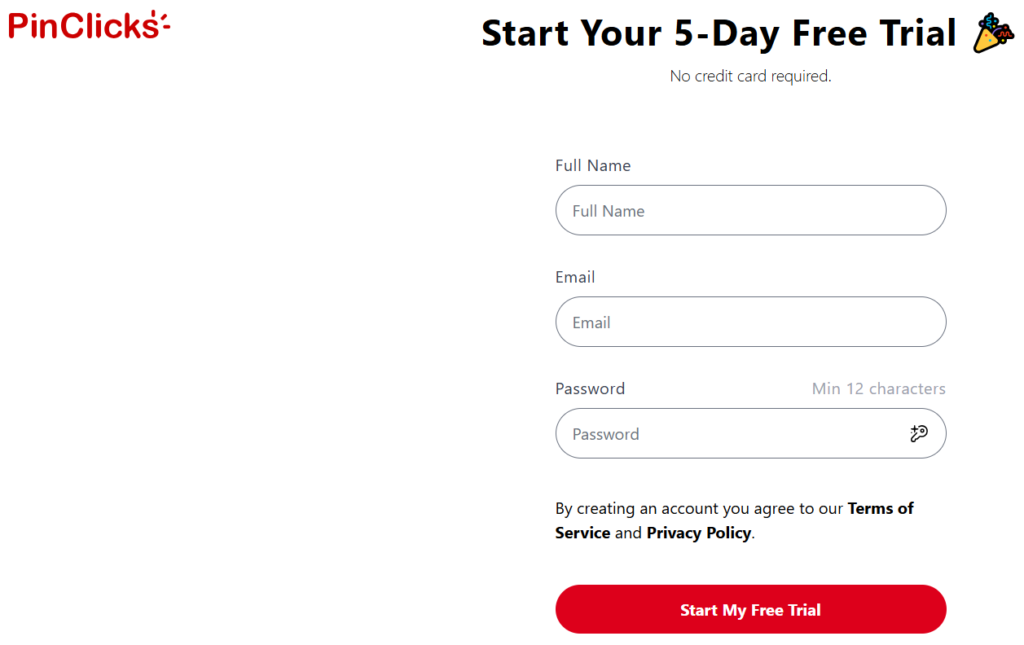
I decided to try the 5-day free trial, honestly thinking, “What do I have to lose?” They even let me start the trial without having to put my credit card in!
And honestly, it changed the way I researched my Pins!
With just a few clicks, I could:
- Find real keywords people are actually typing into Pinterest
- See related keyword ideas I hadn’t even thought of
- Find related Pinterest keywords I probably would not have thought to search for myself
- Understand what’s trending… right now
- Create smarter, better SEO-rich pins and blog posts… faster!
Before that trial even ended, I couldn’t imagine doing keyword research without it. It turned guessing into strategy. And that’s when things finally started to click.
How I Use Pinterest Keyword Research Now
When I research a new Pin, I don’t automatically choose the keyword with the biggest search number.
I look for a phrase that actually matches the content I’m sharing and what the person I’m trying to reach might be searching for. Then I use related keywords naturally in my Pin title and description instead of trying to squeeze every phrase I find into one Pin.
I’ve learned that the goal isn’t to collect the most keywords. It’s to get clearer about what your person is searching for so Pinterest has a better chance of connecting your content with her.
And that’s exactly why having actual Pinterest search data has become so helpful for me.
If your goal is to eventually turn that Pinterest traffic into income, I also walk through how to make money on Pinterest and how this piece fits into the bigger picture.
If you’re still learning what makes a good Pinterest keyword in the first place, though, you don’t necessarily need to jump straight into a paid tool.
Not Ready for a Keyword Tool Yet?
If Pinterest keywords still feel confusing, start simple. Keyword Clarity is a FREE beginner-friendly guide that can help you understand what Pinterest keywords are, why they matter, and how to start thinking about what your audience is actually searching for.
It’s a great first step if you’re not ready for a keyword research tool yet. Once the basics start making sense, a tool like PinClicks becomes much more useful because you understand what you’re looking for.
Grab the free Keyword Clarity guide here.
The Best Pinterest Keyword Tool
If you’ve been searching for the best Pinterest keyword tool, let me save you the hours of headache I went through.
This is the one that changed the game for me:
👉 Check out the Best Pinterest keyword tool!
Here’s why I recommend it:
- Easy to use. You don’t have to be a techie or SEO expert.
- Pinterest-specific. You’re not using random tools meant for other platforms.
- Insight-rich. It gives you data you can actually use… including trending searches, interest clusters, and related Pinterest keyword opportunities you may not find through ordinary search.
- Training videos. Plus there are simple training videos…
What I like most is that I can stop guessing. I can research a topic, see related searches, compare ideas, and make a much more informed decision about which keyword fits the Pin I’m creating.
If you’re tired of guessing, this can make Pinterest keyword research a whole lot clearer. 💡
Ready to Try It?
Go ahead and give it a test drive. The free trial is 5 days (no credit card required)… plenty of time to explore it and see what it can do. Just like I did.
👉 This is my favorite Pinterest keyword tool!
If keyword research is one of the parts of Pinterest that keeps slowing you down, the free trial gives you a chance to see whether PinClicks makes the process easier for you. 🧡
Final Thoughts… ❤️ From Me to You
I wish I had found this tool sooner. It would’ve saved me so much time, stress, and second-guessing. So I’m sharing it with you now, because if you’re anything like me… juggling life, content creation, and trying to do this the smart way… this tool can help lift that load. 🎯
Pinterest doesn’t have to feel like a mystery. PinClicks didn’t magically DO Pinterest for me. What it gave me was something I desperately needed: better information so I could make smarter decisions.
And if affiliate income is part of why you’re building on Pinterest in the first place, you may also want to start with my beginner guide to affiliate marketing so you can see how the pieces can work together.
Until next time…