


Beginner Friendly Digital Marketing Tools
Simple, Beginner-Friendly Digital Marketing Tools to Build Online Income Without Tech Stress…
Not all tools are created equal. When you’re just starting out, it’s easy to waste time or money on platforms that don’t actually help. These are the digital marketing tools I’ve personally used to grow my online business… without overwhelm.
Stuck, Overwhelmed, or Unsure Where to Start?
I know that feeling. I spent years trying to piece together free tips and tools, YouTube videos, expensive courses, and endless tabs open on my computer… thinking I had to figure it all out before I could begin. The result? Burnout, confusion, and no results. I kept asking:
“What tools do I actually need to grow something real online?”
That’s why I created this list. These are the digital marketing tools that helped me finally stop spinning my wheels and move forward. Tools that saved me time, helped me stay consistent, and gave me hope when I was ready to give up.
If you’re just starting or you’re craving something simple and aligned with your life, you’ll love these beginner-friendly options.
Wait… What Are Digital Marketing Tools?
Great question.
Digital marketing tools are anything that helps you grow an audience, share your message, and earn money online.
From content creation and keyword research to email marketing and blog design, the right tools can help you turn your ideas into income… without the burnout.
My Favorite Tools for the Beginner Affiliate Marketer
I only share tools I’ve personally used and recommend. These have helped me grow as a content creator and affiliate marketer, while keeping things simple and budget-friendly.
Some of the best tools for digital marketing are below…
Want the exact steps I took when I started with Pinterest marketing?
Download my quickstart guide below for FREE!
📌 Open a Pinterest Business Account
Cost: FREE!
If you haven’t already, switching to a Pinterest business account is a must. It gives you access to analytics, lets you claim your website, and tells Pinterest you mean business.
- Go to business.pinterest.com
- Set it up with your blog or funnel link (if you have one)
- Start pinning content that leads back to your site or pin to your affiliate links
Pro tip: Make sure to claim your website and use strong, SEO-friendly pin titles!
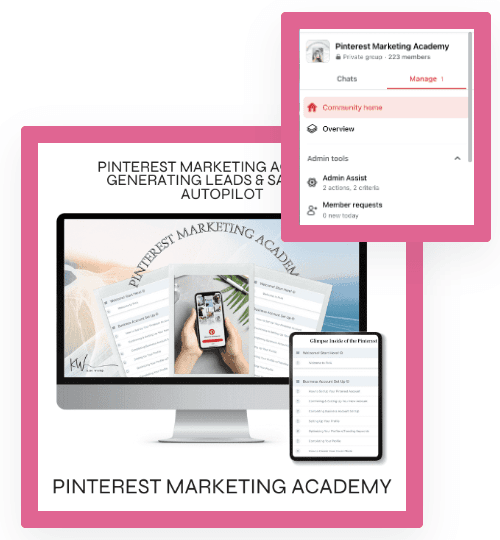
📌 Pinterest Marketing Academy
Cost: $197
This course changed everything for me.
It breaks down how to use Pinterest for business in small, doable steps.
If you’re overwhelmed, this is your starting point.
Includes digital marketing tips, pin design help, and strategy calls.
→ Check out the Pinterest Academy.
Pinterest Trello Board + Playbook
Trello Board cost: $7
Playbook cost: $27
These two resources go hand-in-hand and are game-changers if you’re visual like me.
- The Trello Board helps you plan and track your content. (So helpful for beginners!)
- The Playbook gives you a simplified look at what to pin, when, and how.
→ Get the Pinterest Trello Board + the Playbook
📃 PageWheel
Cost: $27/month (coupon code SUSIEQ10 for $10 off the 1st month)
If funnels feel scary or techy, you’re going to love PageWheel. It’s a simple funnel builder made for non-techies… perfect if you want to grow an email list and start earning affiliate income sooner.
→ Try PageWheel here
🎓 Fearless Influencer Academy
Cost: $1 trial for the 1st 30 days, $47/month after
This is a low-cost program packed with value. If you’re feeling stuck with affiliate marketing… or afraid to promote anything… this academy helps you build confidence and get clear on how to market from a place of service.
Perfect if you’re not sure where to start or feel nervous about “selling.” You can try it out for $1!
→ Join Fearless Influencer Academy
🧰 Tools for Content Creation + Strategy
Want to come up with strong content ideas and blog posts that get found?
Cost: FREE! Upgrade options available
- Canva: Design Pinterest pins, blog graphics, and social media content
- Ubersuggest: Find blog topics and keywords people are searching for
- Answer the Public: Get digital marketing content ideas from real searches that serve your reader
- Google Trends: Spot trends and tailor content accordingly
These tools are perfect for discovering new digital marketing post ideas, staying on top of digital marketing trends, and growing your digital marketing business with intention.
✍️ Canva (content creation)
Cost: FREE! Upgrade options available
Create Pinterest pins, blog graphics, and social media images fast… even if you’re not a designer. Canva is a must-have tool for all things digital media and digital marketing design.
→ Try Canva Free
📍 Metricool OR Tailwind (for scheduling pins)
Cost: Try FREE! Upgrade options available
Want to schedule your pins in advance so you’re not glued to your screen? Both Metricool and Tailwind are Pinterest-approved schedulers that help you automate your pinning and stay consistent (which is huge for growth!). IF you want to use a scheduler, you only need ONE.
- Use to repin your content strategically
- Batch your work and let it run in the background
→ Try Metricool for Free or Tailwind for Free (both are great, but the upgrade option for Metricool is more affordable and is my favorite!)
There are other schedulers out there, but these are the two I’ve used and love. Both are Pinterest-approved and they make life so much easier.
Email Service Provider for Beginners (when you’re ready)
MailerLite (what I started with):
If you’re brand new to email… MailerLite was the simplest place to start… and I did a lot of research! Clean, distraction-free editor, easy drag-and-drop emails, built-in landing pages/forms, and a visual automation builder for when you’re ready to grow.
It’s beginner-friendly without feeling “basic,” and it scales as you do. It’s very affordable when you’re first starting out. But don’t let this overwhelm you. I’m only sharing it here in case you’re thinking about email… 🤔
(Why I also recommend) GetResponse
I still think MailerLite is a great beginner option. But after more testing, GetResponse has been a better fit for me… more dependable delivery, super-helpful support, and step by step videos that finally made email click (this part fried my brain for the longest time!).
What I like:
- Short how-to videos that walk you through setup and sending
- Solid deliverability + helpful list tools (tags, segments, automations)
- Built-in landing pages & simple funnels you can spin up fast
- Grows with you when you’re ready to do more
Bottom line: You can’t really go wrong with either MailerLite or GetResponse. Pick the one that feels clearer to you and start sending… consistency beats the “perfect tool” every time.
💛 Let’s Keep It Real
You don’t need to be a marketing specialist or have a big budget to grow online. You need a simple plan, the right tools, and encouragement that meets you right where you are.
These are the tools I still use today. I hope they help you like they helped me… because you don’t need more overwhelm.
You need peace.
You need focus.
And you need a path that honors your values. 🌿
Keep going, friend. You were made for this.
What You’ll Get in the Free Quick Start Guide
This is the exact roadmap I used to start making affiliate income with Pinterest… even before I had a blog, email list, or followers.
Inside the quickstart guide, you’ll find the clear, step-by-step path that helped me finally move forward (and it’s the same strategy taught in the Pinterest Marketing Academy!). You can grab the guide below!
Here’s a quick look at what’s inside:
→ Step 1: Start with a Pinterest Business account
→ Step 2: Choose a product you love and grab your affiliate link
→ Step 3: Add keywords to your profile, boards & pins (so the right people find you!)
→ Step 4: Stay organized using the Pinterest Trello board
→ Step 5: Create pins with Canva… no design skills needed
→ Step 6: Schedule your pins (with Tailwind or right inside Pinterest)
→ Step 7: Rotate your links so you stay compliant and consistent
→ Bonus: I’ve listed my favorite Pinterest keyword tool! This alone is a game changer!
I didn’t have it all figured out when I started… but I kept going. And that’s what made the difference.
If you want help with every step… check out the Pinterest Marketing Academy above.
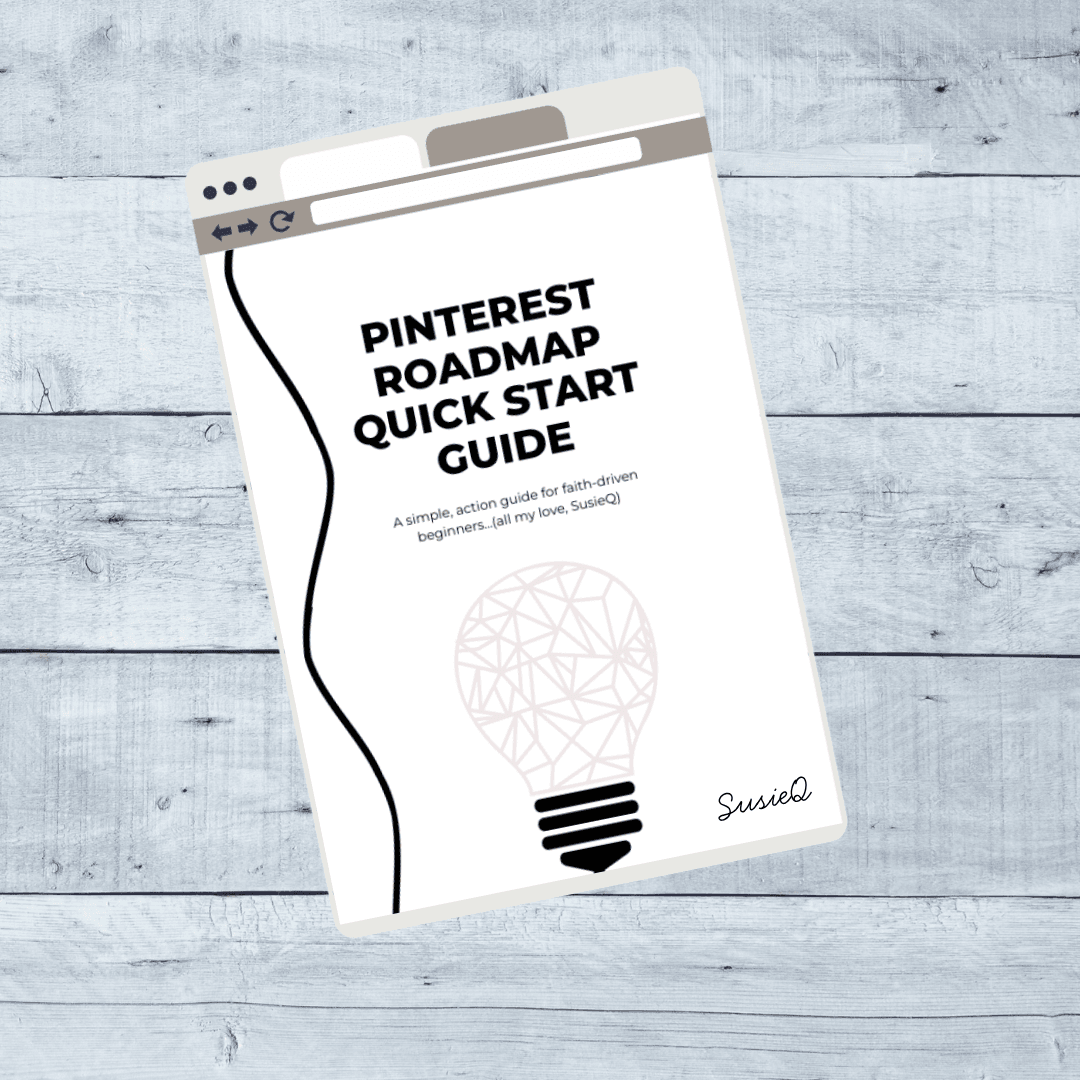
🚀 Grab My Free Pinterest Roadmap Quickstart Guide
Want a simple, printable one-pager that lays out the exact steps (from above), that I took to get started with Pinterest marketing?
💡 This Quickstart Guide is perfect if you’re a visual learner or just want a no-fluff checklist to follow step-by-step.
I created this to help you:
- Set up your Pinterest business account the right way
- Get clarity on your niche, product, and audience
- Learn how to create pins that work… without overthinking it
- See what tools I used and how I put it all together
(You’ll love how simple and actionable it is!)
You don’t need to do it all at once. Just follow the QuickStart Guide… one pin at a time. 💛
Full 7-Step Roadmap…
🌸 Rather have the full 7-step roadmap now in a handy workbook? Download it HERE.
When I started, I didn’t have everything in place. No blog, no list, no followers. I just took one step at a time and kept going until things started to make sense. When my blog was finally ready, I layered that in… one step at a time.
I made a lot of mistakes in the beginning (like…a lot 😅), but every mistake taught me something. I adjusted my wording… my images… my Pinterest keywords. I paid attention to what was working in my Pinterest analytics… and I kept showing up.
You don’t have to be perfect.
You just have to take one small step at a time toward your goals.
Final Thoughts
Remember: You don’t need every tool. Just pick one or two and take action. Bookmark this page and come back anytime.
And hey, if you’re feeling stuck again, go back to Step 1: How to Change Your Mindset. That foundation is always worth revisiting. 💛
You were made for this. With God guiding you and the right tools supporting you, your online income journey doesn’t have to feel heavy anymore.