

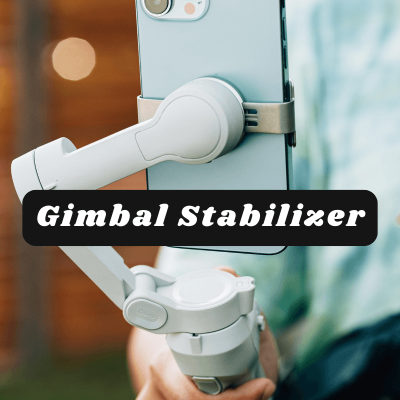
Every Step Turns Into a Jiggle
You want to create videos for Pinterest, Reels, and YouTube Shorts, but the clips look shaky and rushed. You do not have a lot of camera equipment. The budget is tight. Every take feels “meh,” so you post less and less. The message in your heart gets stuck in your phone… and you wonder if video will ever feel easy.
Shaky clips make people scroll past, even when your story is powerful. You try to stand very still, but the moment you start walking, everything wobbles.
You hear the voice in your head that says, “Real creators have a camera rig and expensive camera gear.” That voice is loud. It is also wrong.
The Simple Fix
A phone gimbal stabilizer changes everything. For my birthday, my daughter and her fiancé gave me a gift card and I got this exact gimbal with it… and I cried happy tears.
It is the fanciest piece of camera gear I own… and I only use an Android phone. It is nicer than it looks online, easy to use, and worth the price. I had been eyeing it for years… and I wish I had bought it sooner.
My first walk and talk video with the gimbal felt like a miracle. Same phone, same backyard, brand new confidence.
You do not need a gopro camera, a dji drone, or a pricey camera lens. A phone gimbal stabilizer is one of the simplest content creation tools to level up your video. People sometimes call it a gimbal camera… but it is really a smart handle that keeps your phone steady.
The exact one I use: phone gimbal stabilizer. I love it. Worth every penny.
What A Gimbal Does In Plain Words
- Keeps your phone level so the horizon is straight
- Smooths out footsteps so walking clips look professional
- Lets you pan, tilt, and track a subject without the wobble
- Helps your short reels feel like real “film equipment,” even if you are just in the kitchen
You might hear terms like gimbal stabilizer, gimbal camera, mobile gimbal, or dji osmo mobile. All that means is a handheld tool that keeps your phone steady.
How To Use A Phone Gimbal Stabilizer (Beginner Steps)
Beginner friendly, non-technical, and repeatable how to use a gimbal steps:
- Mount and balance. Slide your phone into the clamp. Center it so it is not tilting to one side.
- Power on. Hold the power button until it wakes up. The stabilizer will “find level” for you.
- Choose mode. Start with “follow” mode. The camera will gently follow your pan and tilt so movement stays smooth.
- Hold low and close. Keep your elbows tucked. Hold the handle near your belly. This reduces extra shake.
- Walk slow. Heel to toe… tiny steps. Think “glide.”
- Pan with purpose. Turn your whole body, not just your wrist. Move like honey.
- Record simple shots.
- A-roll: you talking, standing still.
- B-roll: hands making coffee, opening a notebook, walking in the park, products on a table.
- Frame for the platform.
- Vertical 9:16 for Reels, Shorts, and Pinterest Idea Pins.
- Horizontal only if you plan a YouTube video.
- Quick polish. Do light mobile photo editing or trimming in your phone gallery or CapCut or InShot. Keep it simple. I use InShot.
- Tip: If you already own another model like DJI Osmo Mobile, these steps still help. The basics are the same across most phone gimbal stabilizer tools.
Beginner Shot List You Can Film Today
- 5 second walking clip toward a window.
- 3 slow pans across your desk to show camera gear or favorite content creation tools.
- Hands flipping a journal page, then underlining a quote.
- Coffee steam, then a gentle push-in toward your mug.
- A simple “over the shoulder” shot while scheduling pins for Pinterest.
String three of these together… add a caption… and you have a face optional mini story. See ideas for faceless videos.
Who This Helps Most
Beginners with a phone, limited budget, and a brave heart. You do not need a Sony camera photography setup, a go pro camera, or a dji drone to start.
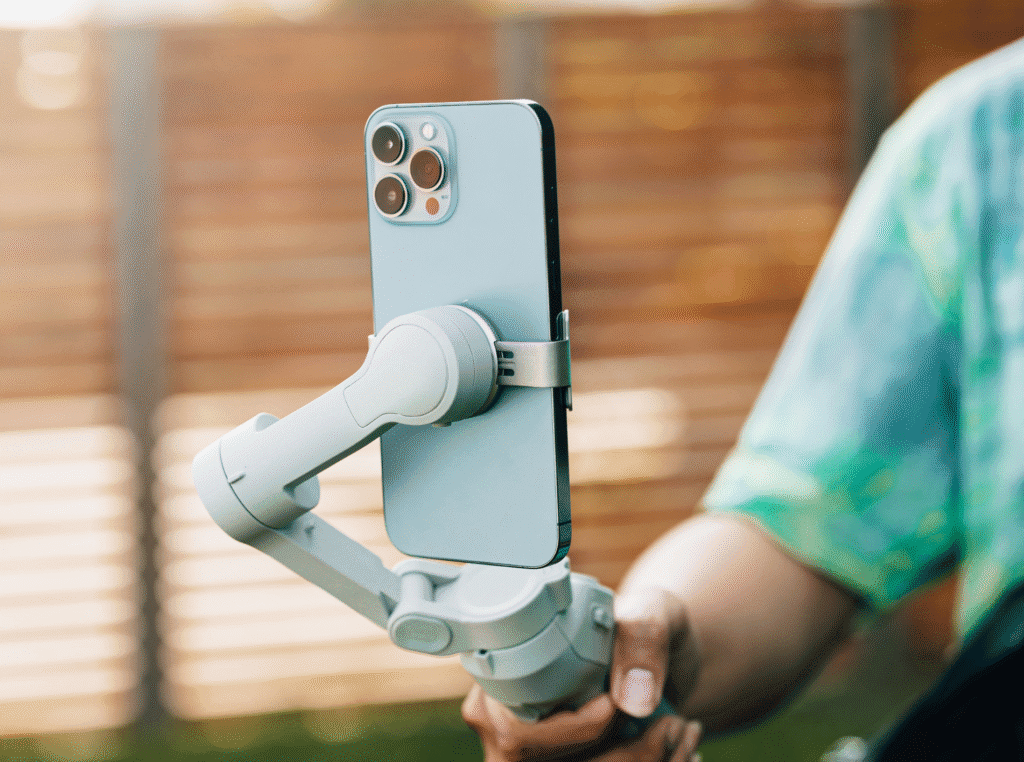
A phone plus a gimbal stabilizer is powerful. If you ever add other camera equipment like a tiny mic or a light, great… but you do not have to.
My Honest Recommendation
If you want smooth video now, this is the one tool I would get first. It fits a phone, travels easy, and makes you look and feel confident on camera.
Subtle Extras I Also Like
- Small clip-on mic for clearer voice
- Tabletop tripod for hands-free filming
- Window light or a tiny LED for cozy scenes
These are optional. Start with the gimbal.
Final Thoughts
If video has felt scary, I see you. I started with nothing but a phone and a shaky hand. This phone gimbal stabilizer helped me share my message with peace, not panic. You do not need perfect. You need steady. Take a breath… mount your phone… and glide. Your story is worth seeing.
Until next time…